Log into your dashboard and select HazlVoiceLite and next.
1. To edit the action for a number prompts, select the edit icon under that prompt.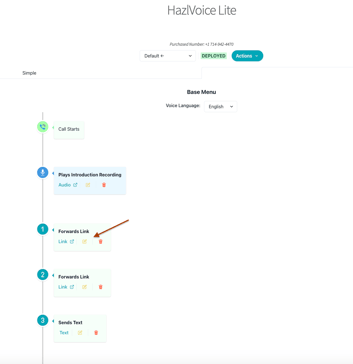
2. To edit the link, select Next 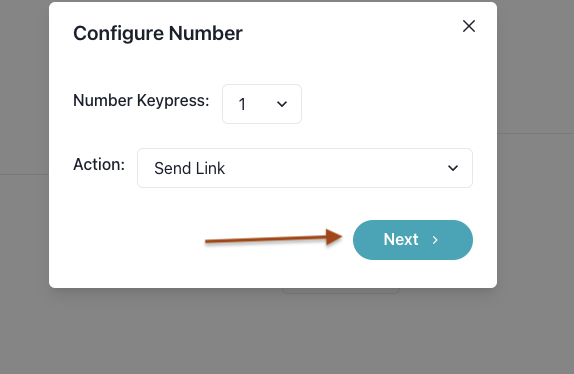
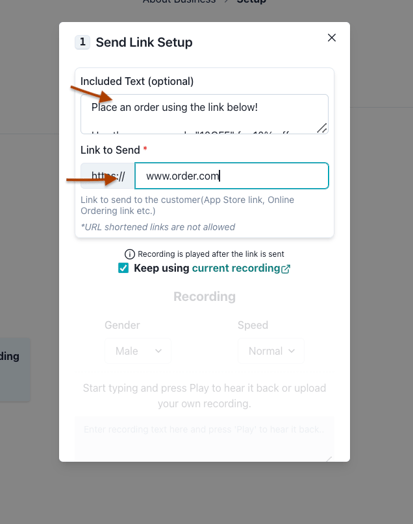
3. Make changes to the text and link as needed and then save.
Log into your dashboard and select HazlVoiceLite and next.
1. To edit the action for a number prompts, select the edit icon under that prompt.
2. To edit the link, select Next
3. Make changes to the text and link as needed and then save.